
How to Choose Between On-Site Security and Remote Monitoring for Your Dallas Business
Choosing between on-site security and remote monitoring depends on your budget, site type, and risk level. On-site security offers a physical presence that can deter criminals and respond immediately to incidents. Remote monitoring provides cost-effective surveillance with 24/7 camera coverage and alarm systems. High-risk locations often benefit from on-site guards, while lower-risk sites may find remote monitoring sufficient.
Dallas reported more than 45,000 property crimes in a recent year, according to city police data. For business owners, that number turns one question urgent: should you hire on-site security or set up remote monitoring? Both protect your property. Each fits a different budget, site type, and risk level.
This comparison breaks down how the two methods work, what they cost, and which one matches your Dallas property. Read on before you sign any contract.
On-Site Security vs. Remote Monitoring: The Basic Difference
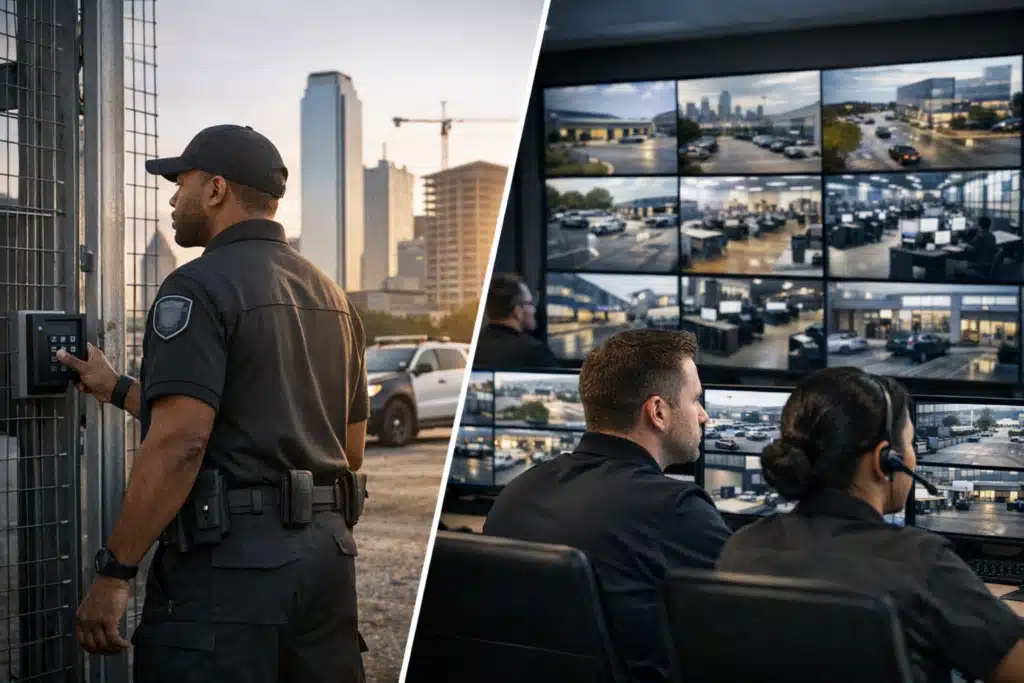
On-site security places a trained guard physically at your location. Remote monitoring uses cameras watched by agents at an off-site center.
The distinction matters because each stops threats at a different point.
What On-Site Security Does
On-site security is a licensed guard stationed at your property. That guard patrols, checks credentials, and responds to incidents in person.
A guard can do things a camera cannot:
- Physically stop trespassers or escort them off property
- Check IDs at a gate or lobby desk
- Respond to a fight, medical event, or fire within seconds
- Reassure tenants, customers, and staff by being visible
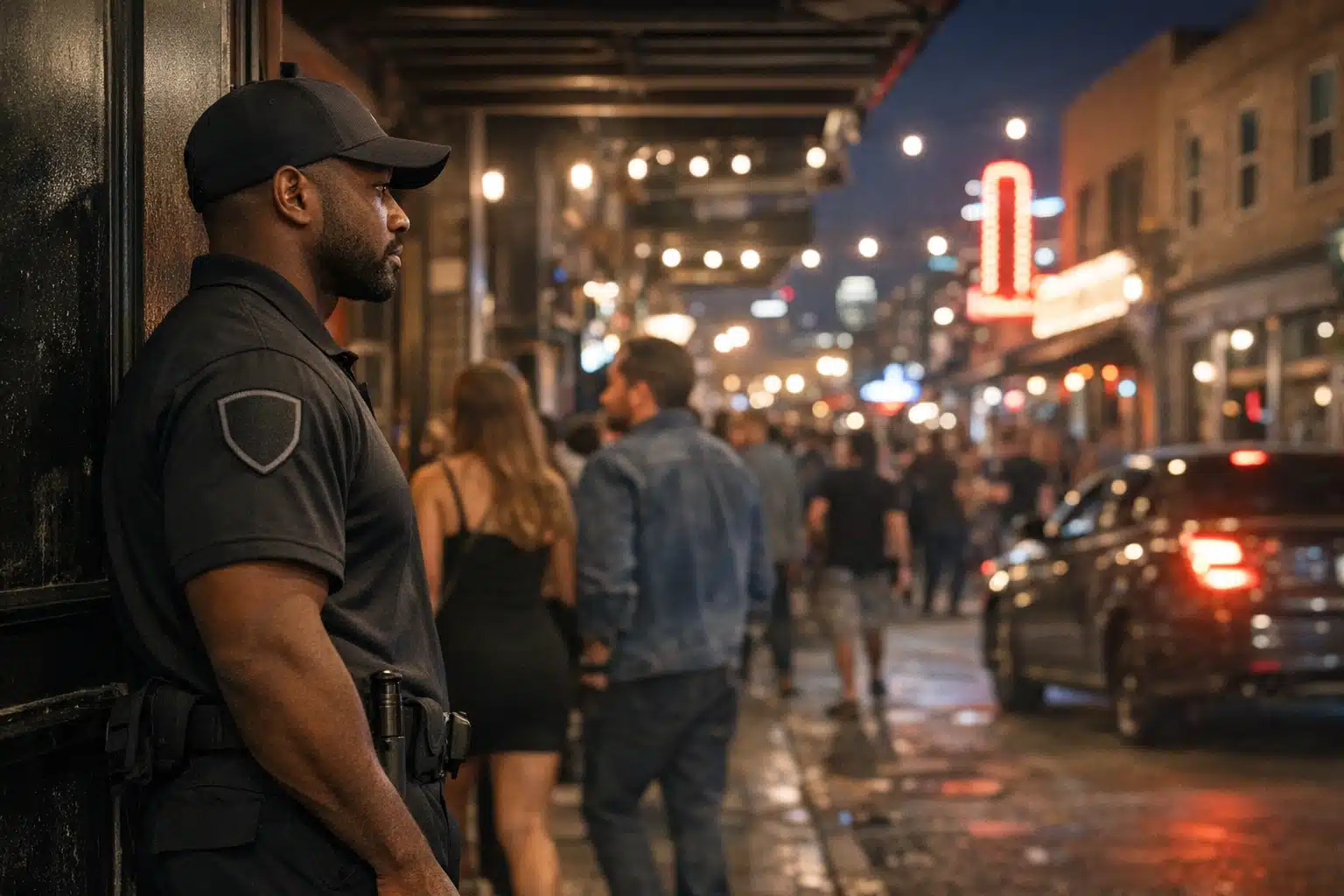
A guard at a Deep Ellum bar closing at 2 a.m. handles crowd tension a camera never could.
What Remote Monitoring Does
Remote monitoring is live video surveillance watched by trained agents at a central station. Cameras cover your site, and agents act when they spot a threat.
When motion triggers a camera, an agent can:
- Issue a live voice warning through on-site speakers
- Call Dallas police or dispatch a patrol unit
- Log the incident with time-stamped video evidence
- Watch several sites at once from one location
A voice-down alert often scares off an intruder before police arrive. That single feature stops many break-ins cold.
How On-Site Security and Remote Monitoring Compare on Cost
Cost drives most decisions, and the gap between the two methods is wide.
A single unarmed guard in Dallas runs roughly $22 to $35 per hour. Cover one post around the clock, and monthly costs climb past $16,000.
Remote monitoring usually costs a fraction of that. Many businesses pay $300 to $1,500 per month, depending on camera count and hours watched.
Why the Price Difference Exists
A guard covers one location. A monitoring agent can watch many.
That shared coverage spreads labor cost across clients. The savings pass to you.
But cheaper does not always mean better. A high-traffic apartment lobby in Uptown needs a person, not just a lens.
How to Match the Right Method to Your Dallas Property
The best choice depends on your site type, traffic, and risk hours. Use this breakdown to find your fit.
Construction Sites: Remote Monitoring Wins
Dallas construction theft spikes overnight and on weekends. Copper wire, tools, and equipment vanish when no one watches.
Remote monitoring fits these sites for clear reasons:
- Cameras cover a large lot no single guard could patrol fully
- Voice-down warnings stop thieves during dead hours
- No permanent structure is needed for a guard post
- Cost stays low across a months-long build
A framing site off I-35 loses thousands in one night raid. Cameras with live agents catch the truck before it loads up.
Apartment Communities: A Mix Works Best
Large Dallas apartment communities face package theft, car break-ins, and unauthorized pool access. Traffic runs day and night.
A guard at the entrance controls access during peak hours. Remote monitoring covers parking garages and back gates overnight.
This pairing keeps costs sane and coverage full.
Retail and Office: Depends on Foot Traffic
A busy retail store needs a guard to deter shoplifting and calm disputes. A quiet office park may need only cameras after 6 p.m.
Match the method to when your risk peaks:
- High daytime foot traffic: on-site guard
- Empty after hours: remote monitoring
- Both: guard by day, cameras by night
Event Venues: On-Site Security Leads
Crowds need people. A concert at a Dallas venue calls for guards at doors, bag checks, and floor patrols.
Cameras record and support, but human presence controls a crowd. No lens breaks up a shoving match.
Response Time: The Dallas Factor Most Owners Miss
Response time separates a stopped crime from a police report. Dallas police response times vary by district and call priority.
An on-site guard responds in seconds. That speed matters during an active threat.
Remote monitoring adds a step but still moves fast. A trained agent verifies the threat, then calls police with live details. Verified alarms get faster police priority than unverified ones.
How Verification Changes Everything
Standard burglar alarms trigger constant false calls. Dallas, like many cities, deprioritizes unverified alarm responses.
A monitoring agent watching live video confirms a real intruder. That verified call moves up the police queue. Your alert gets treated as a crime in progress, not a possible glitch.
A Step-by-Step Method to Decide
Follow these steps to choose between on-site security and remote monitoring for your Dallas property.
- Map your risk hours. Note when incidents happen most, day or night.
- Count your access points. More gates and doors favor cameras.
- Measure foot traffic. People-heavy sites need a human presence.
- Set a monthly budget. Compare guard cost against monitoring cost.
- Rank your top threat. Theft, trespassing, crowd control, or access management.
- Test a hybrid. Many Dallas sites cut cost with guards by day and cameras overnight.
Write down your answers. The pattern usually points to a clear choice.

 Posted on Google
When to Combine Both Methods
Many Dallas properties get the best result from a hybrid setup. You pay for people only when people are needed.
A warehouse near the Trinity River shows how this works. A guard checks trucks at the loading dock during shipping hours. Cameras and agents cover the yard once the last truck leaves.
This split cuts overnight labor cost without leaving the site blind.
Questions to Ask Any Dallas Security Provider
Before you hire, ask direct questions. The answers reveal whether a provider fits your needs.
- Are your guards licensed by Texas DPS?
- What is your average response time to a triggered camera?
- Do agents issue live voice-down warnings?
- How do you handle verified versus false alarms?
- Can you scale coverage as my site changes?
A provider that answers these clearly earns your trust. Vague answers signal trouble.
Choosing the Right Fit for Your Dallas Business
On-site security gives you fast, human response and strong presence at busy sites. Remote monitoring gives you wide, low-cost coverage for empty lots and after-hours risk. Many Dallas properties save money and stay safer by combining both.
Twin City Security Dallas assesses your site, risk hours, and budget to build the right coverage. Call or text us at 972-385-1144, email Dallas@twincitysecurity.com, or visit https://www.twincitysecuritydallas.com for a Dallas security assessment.
Sources
- Dallas Police Department – Crime Statistics and Reports
- FBI – Uniform Crime Reporting (UCR) Program
- Texas Department of Public Safety – Private Security Program
Dallas businesses face over 45,000 property crimes yearly, making the choice between on-site security guards and remote camera monitoring a key decision based on budget, site type, and risk level.
- On-site guards cost $22 to $35 per hour and respond in seconds to physical threats, while remote monitoring runs $300 to $1,500 monthly and uses live video with voice warnings to deter intruders.
- Construction sites benefit most from remote monitoring due to large coverage areas and overnight risk, while event venues and high-traffic retail locations need guards for crowd control.
- Many Dallas properties save money with a hybrid approach - guards during busy hours and camera monitoring overnight - and verified video alerts receive faster police response than standard alarms.