How to Choose a Remote Video Surveillance System for Your Dallas Business
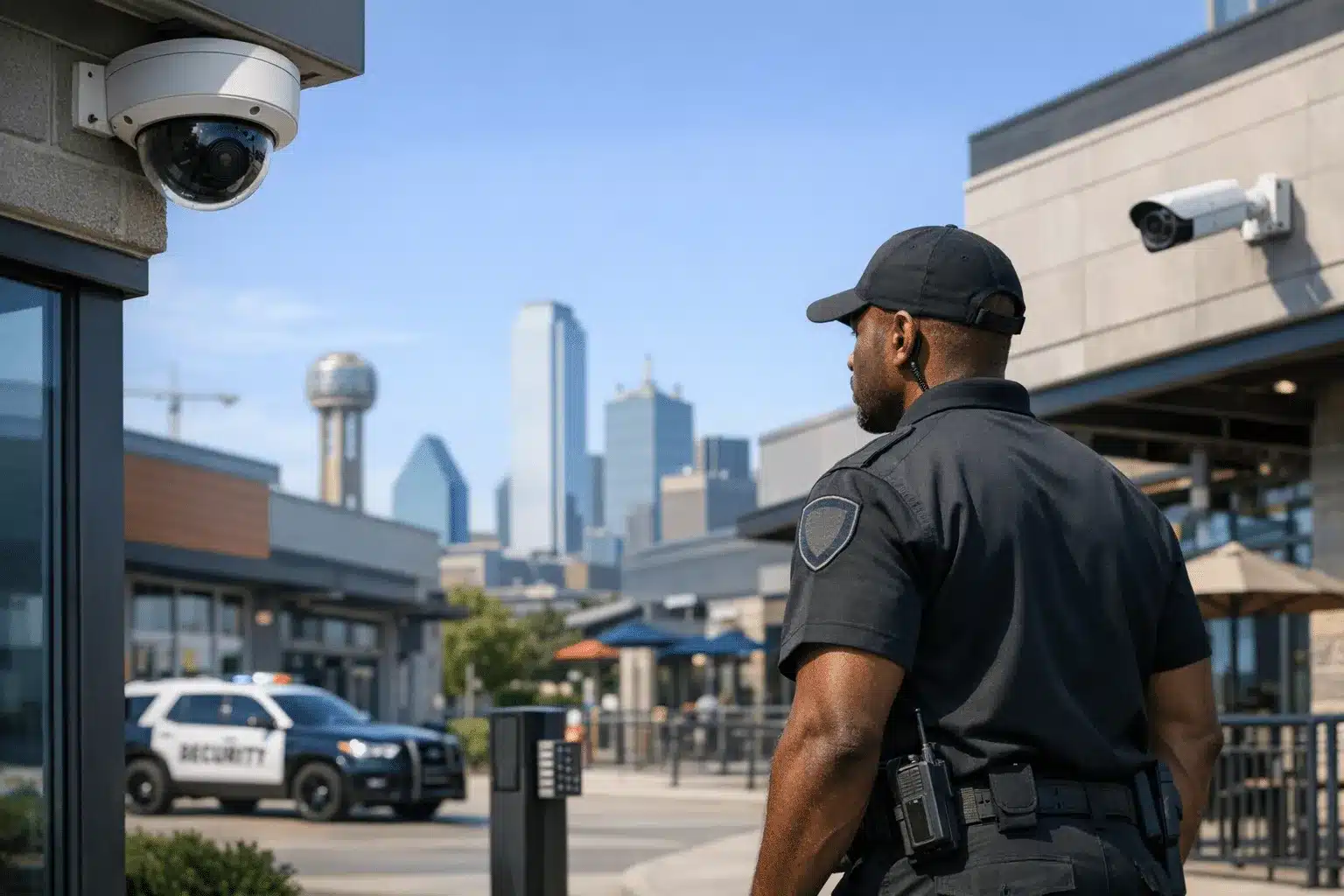
Start by assessing your property size, entry points, and specific security risks common to Dallas commercial areas. Look for systems offering high-definition cameras, night vision, cloud storage, and real-time mobile access. Consider professional monitoring services, integration with existing alarms, and scalability for future expansion. Local installation expertise helps address regional weather and connectivity factors.
Dallas Property Crime Drives Remote Video Surveillance Demand
Dallas businesses faced over 32,000 property crimes in 2023, with commercial burglaries and theft driving security investments across the metroplex. Remote video surveillance systems now prevent up to 40% of break-ins when properly installed and monitored.
Modern surveillance technology offers Dallas business owners 24/7 monitoring without the cost of full-time security guards. The right system protects your property while providing evidence for insurance claims and law enforcement.
This guide covers everything you need to evaluate surveillance options for your specific business type and budget.
Understanding Remote Video Surveillance Technology Options
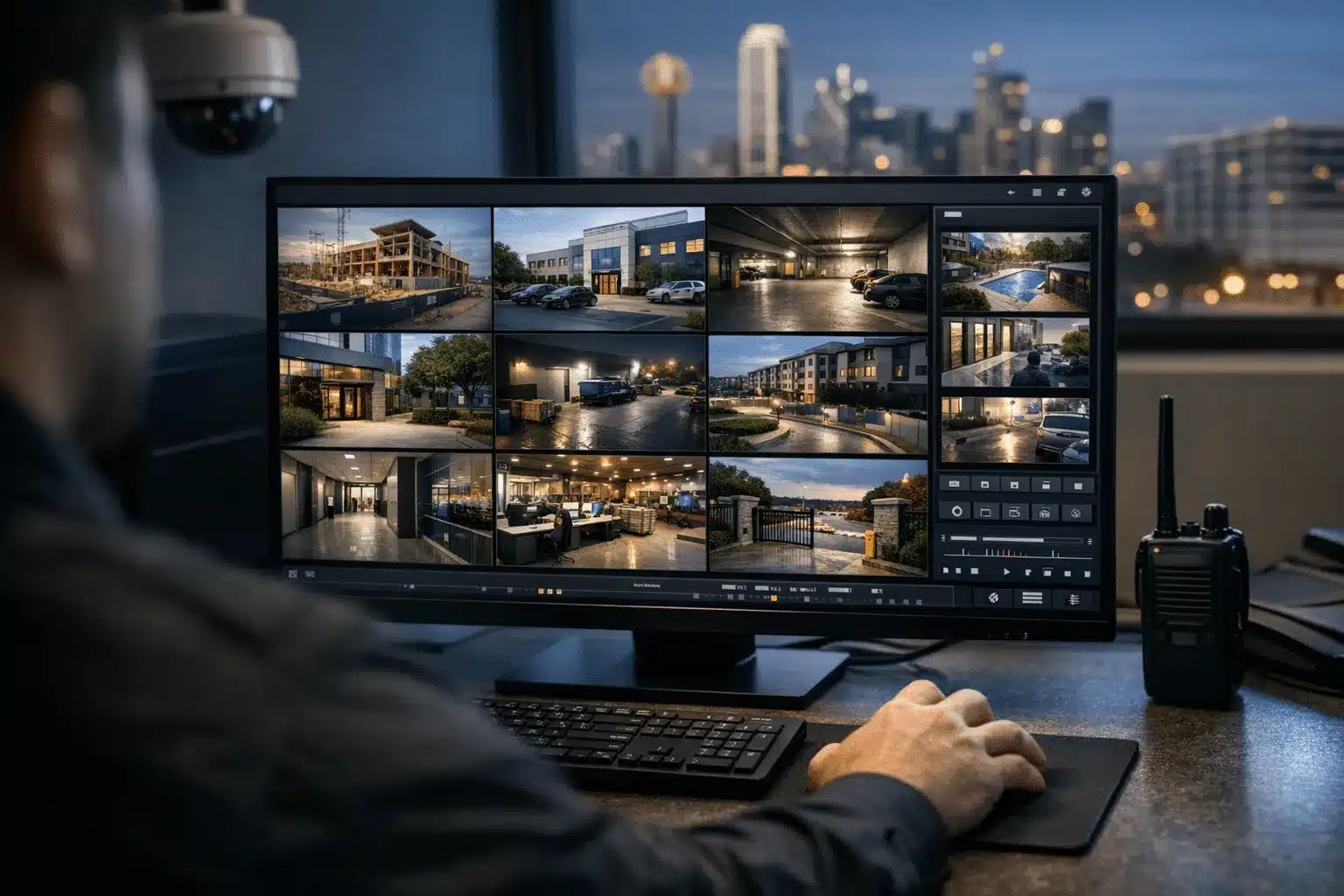
Remote video surveillance uses internet-connected cameras to transmit live footage to monitoring centers or mobile devices. Unlike older closed-circuit systems, modern solutions provide real-time alerts and remote access from anywhere.
IP Camera Systems vs. Analog Cameras
Internet Protocol (IP) cameras deliver superior image quality and advanced features. They connect directly to your network and offer 4K resolution, night vision, and motion detection capabilities.
Analog cameras cost less upfront but require additional hardware for remote viewing. Most Dallas businesses choose IP systems for their flexibility and image clarity.
Cloud Storage vs. Local Recording
Cloud storage automatically backs up footage offsite, protecting evidence from theft or damage. Monthly costs range from $10-50 per camera depending on storage duration and resolution.
Local network video recorders (NVRs) eliminate monthly fees but risk losing footage if equipment is stolen or damaged. Many businesses combine both approaches for maximum protection.
Key Features Every Dallas Business Surveillance System Needs
Effective surveillance systems must handle Dallas weather extremes and provide clear evidence for law enforcement. These features separate professional-grade systems from basic security cameras.
Weather-Resistant Design
Dallas temperatures range from freezing winters to 100°F summers with severe thunderstorms year-round. Look for cameras rated IP66 or higher for outdoor installation.
Quality housings protect internal components from humidity, dust, and temperature fluctuations that damage cheaper units within months.
Night Vision and Low-Light Performance
Most property crimes occur during nighttime hours when businesses are closed. Infrared LED arrays illuminate areas up to 150 feet in complete darkness.
Starlight sensors capture color footage in minimal lighting conditions, providing better suspect identification than black-and-white infrared images.
Motion Detection and Smart Analytics
Advanced motion detection reduces false alarms from weather, animals, or vehicle headlights. AI-powered analytics can distinguish between people, vehicles, and other objects.
Customizable detection zones focus monitoring on entry points, cash registers, or valuable equipment areas while ignoring busy sidewalks or parking lots.
Choosing the Right System for Your Dallas Business Type
Different business models require specialized surveillance approaches. Consider your property layout, operating hours, and specific security risks when selecting equipment.
Retail Stores and Restaurants
High-resolution cameras monitor cash handling areas, customer interactions, and employee activities. Wide-angle lenses reduce the number of cameras needed while covering checkout areas completely.
Audio recording capabilities help investigate customer complaints or employee disputes. Ensure your system complies with Texas recording consent laws.
Warehouses and Manufacturing Facilities
Large facilities need cameras with optical zoom capabilities to identify activities across expansive areas. Pan-tilt-zoom (PTZ) cameras can be remotely controlled to follow suspicious activity.
Focus coverage on loading docks, equipment storage, and perimeter fencing where theft commonly occurs.
Construction Sites
Mobile surveillance trailers work best for sites without permanent power or internet connections. Solar panels and cellular data transmission keep systems operating independently.
Time-lapse recording documents project progress while security monitoring prevents equipment theft during off-hours.
Office Buildings and Professional Services
Discrete dome cameras maintain professional aesthetics while monitoring lobbies, hallways, and parking areas. Access control integration tracks employee entry with video verification.
Focus on protecting sensitive documents, computer equipment, and client information storage areas.
Evaluating Monitoring Service Options
Remote monitoring transforms cameras from passive recording devices into active security systems. Professional monitoring centers provide faster response than relying on mobile alerts alone.
Live Monitoring vs. Recorded Review
Live monitoring detects incidents as they happen, enabling immediate police dispatch or audio warnings to deter criminals. Trained operators distinguish real threats from false alarms.
Recorded review costs less but only provides evidence after crimes occur. Many businesses start with recording and add live monitoring for high-risk periods.
Response Protocols and Police Dispatch
Verify your monitoring company maintains relationships with Dallas Police Department for priority response. Some monitoring centers provide verified alarm services that receive faster police attention.
Establish clear escalation procedures for different threat levels, from trespassing warnings to emergency police dispatch.

 Posted on Google
Installation and Maintenance Considerations
Professional installation ensures optimal camera placement and system performance. Poor installation creates blind spots and technical problems that compromise security effectiveness.
Camera Placement Strategy
Position cameras 8-10 feet high to prevent tampering while maintaining clear facial recognition. Avoid backlighting from windows or bright signage that obscures image quality.
Cover all entry and exit points, plus high-value areas where inventory or equipment is stored. Overlapping coverage eliminates blind spots between camera fields of view.
Network Infrastructure Requirements
IP cameras require sufficient bandwidth for smooth video transmission. Calculate 2-10 Mbps per camera depending on resolution and frame rate settings.
Power over Ethernet (PoE) switches simplify installation by delivering power and data through single cables. Backup power systems keep cameras operating during outages.
Ongoing Maintenance and Updates
Clean camera lenses quarterly to maintain image clarity. Check system functionality monthly, including motion detection zones and alert notifications.
Update firmware regularly to patch security vulnerabilities and add new features. Professional maintenance contracts ensure systems operate reliably long-term.
Cost Factors and Budget Planning
Surveillance system costs vary significantly based on camera quantity, features, and monitoring services. Understanding pricing components helps you budget appropriately.
Equipment Costs
Basic IP cameras start around $150 each, while advanced models with AI analytics cost $500-1000. Factor in recording equipment, network infrastructure, and installation labor.
Most small businesses invest $3000-8000 for complete systems covering 4-8 camera locations with professional installation.
Monthly Monitoring Fees
Cloud storage typically costs $15-30 per camera monthly. Live monitoring services range from $50-200 monthly depending on coverage hours and response levels.
Compare total cost of ownership over 3-5 years when evaluating different providers and service levels.
Working with Local Dallas Security Providers
Local security companies understand Dallas-specific challenges like weather conditions, crime patterns, and police response procedures. They provide faster service and ongoing support than national chains.
Established providers maintain relationships with local law enforcement and can customize systems for your specific neighborhood security concerns.
Look for companies offering comprehensive services from initial consultation through installation, monitoring, and maintenance support.
Making Your Final Decision
The right remote video surveillance system protects your Dallas business investment while providing peace of mind. Focus on reliability, image quality, and professional monitoring rather than lowest price alone.
Start with essential coverage areas and expand gradually as your business grows. Quality systems adapt to changing security needs over time.
Contact Twin City Security Dallas at 972-385-1144 for a customized surveillance assessment. Our local security experts design systems specifically for Dallas business environments and provide ongoing support to keep your property protected.
Sources
- Dallas Police Department – Crime Statistics and CompStat Reports
- Security Industry Association – Commercial Security Market Research
- National Institute of Standards and Technology – Cybersecurity Framework for Video Surveillance
Dallas businesses faced over 32,000 property crimes in 2023, making remote video surveillance a key investment that can prevent up to 40% of break-ins when properly installed and monitored.
- IP cameras offer superior image quality with 4K resolution and night vision, while cloud storage protects footage offsite for $10-50 per camera monthly. Many businesses combine cloud and local recording for maximum protection.
- Weather-resistant cameras rated IP66 or higher handle Dallas temperature extremes, and AI-powered motion detection reduces false alarms while focusing on entry points and high-value areas.
- Most small businesses invest $3,000-8,000 for complete systems covering 4-8 cameras with professional installation. Live monitoring services range from $50-200 monthly depending on coverage hours.