
Ensuring Security for Dallas’s Remote Work Environments
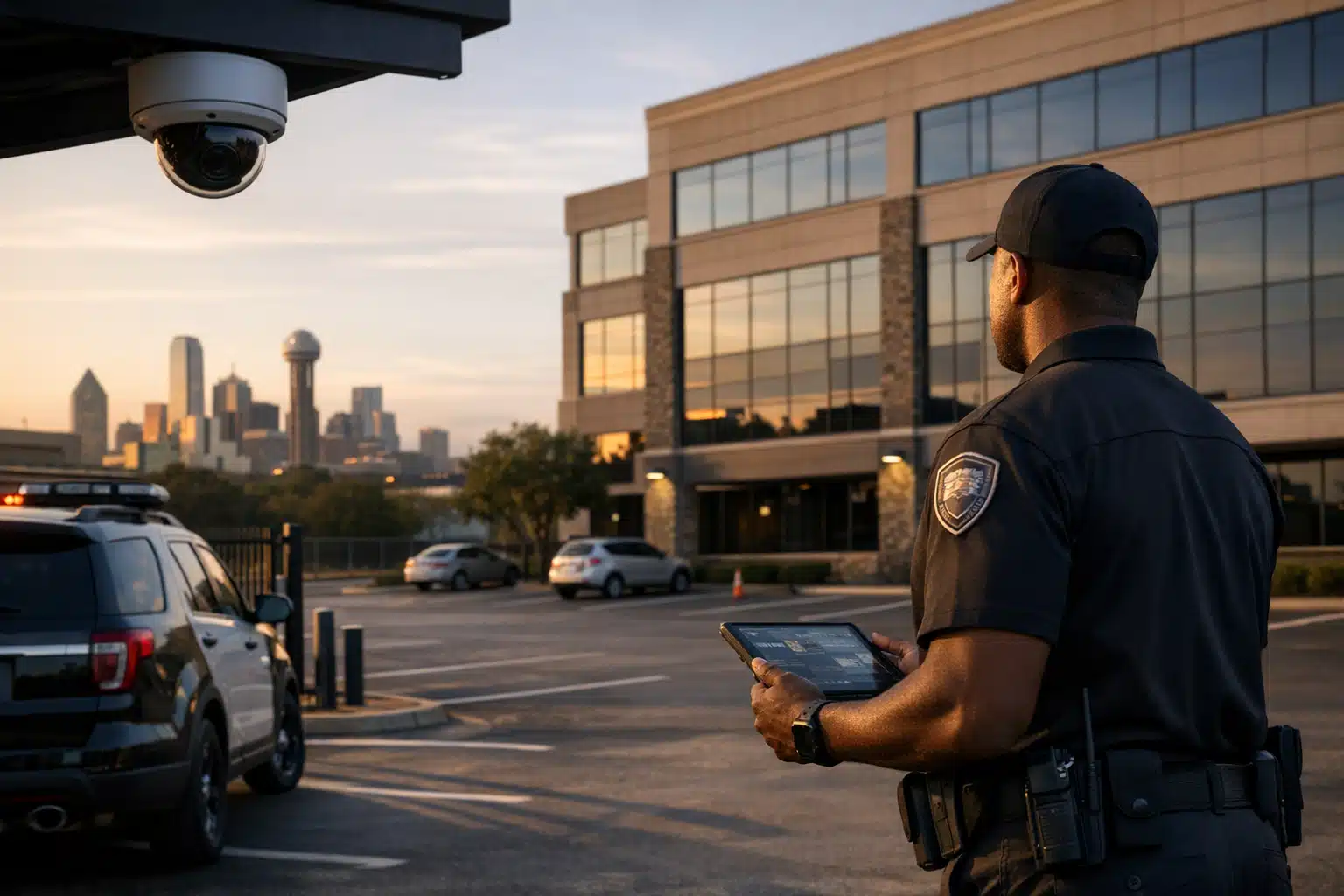
Remote work security covers three distinct risk zones that businesses must protect simultaneously. These include the corporate building that remains partially occupied, the employee's home office where company equipment is used, and the data traveling between both locations. Each zone requires specific security measures to maintain protection across the entire remote work environment.
Dallas added more hybrid and remote workers than almost any Texas metro over the past five years. That shift left thousands of half-empty office floors and home offices full of company equipment. Remote work security now covers three risk zones at once: the corporate building nobody fully occupies, the employee’s home office, and the data moving between them. This post breaks down each zone and gives Dallas business owners a practical plan to protect all three.
Why Remote Work Changed the Security Math for Dallas Businesses
Empty and partially occupied commercial space creates predictable targets. Thieves watch for patterns, and a building with three cars in a 200-space lot signals opportunity.
Dallas police reported burglary of business and nonresidential structures as a steady category in recent years. Low-occupancy buildings raise that exposure because fewer people notice a broken door or a propped loading entrance.
Remote work spreads company assets across the city. A laptop, a company phone, and client files now sit in a Lakewood townhome instead of a monitored downtown floor.
The result: your security perimeter is no longer one address. It is dozens of them.
The Three Zones You Now Have to Cover
- The commercial building — low occupancy, predictable quiet hours, high-value equipment left behind.
- The home office — company devices in residential settings with weak physical controls.
- The connection between them — data and access credentials moving across networks.
Most Dallas firms protect one zone and ignore the other two. That gap is where losses happen.
How Remote Video Surveillance Protects a Low-Occupancy Dallas Office
Remote video surveillance is live or recorded monitoring of a site by off-premise operators who can see events as they happen. For a half-empty Dallas office, it fills the gap left by departed staff.
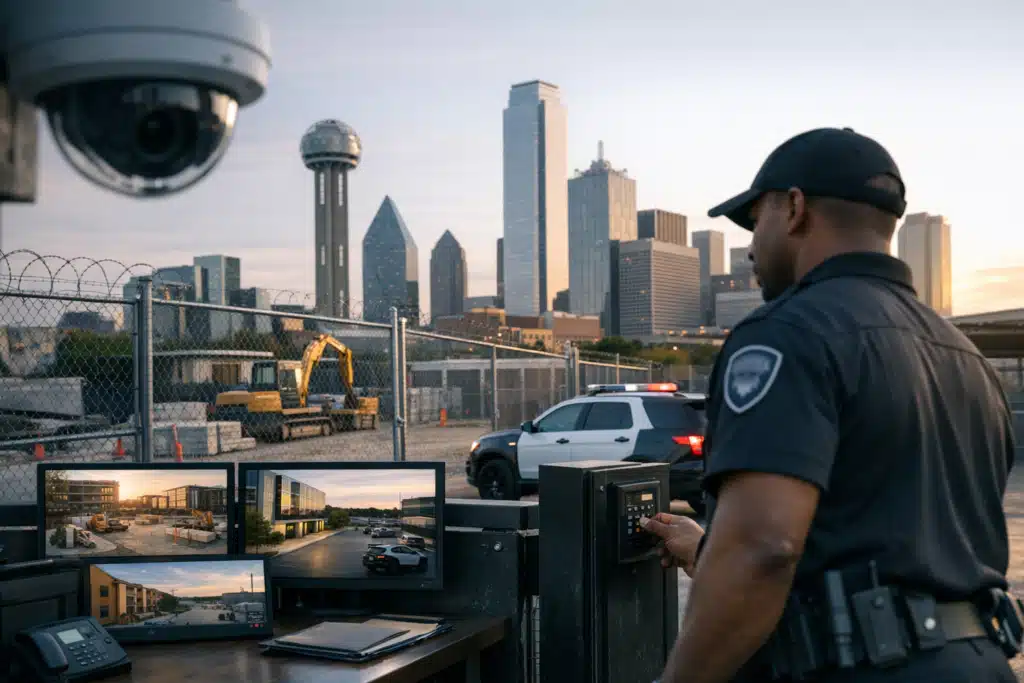
A building with 20% occupancy no longer has 50 people who might spot a stranger near the server room. Cameras with trained monitoring restore that awareness.
What Effective Monitoring Looks Like
Passive cameras that only record are a forensic tool, not a deterrent. They tell you what you lost after it is gone.
Active remote monitoring changes the result. An operator watching live feeds can trigger a voice-down warning the moment someone enters a restricted dock after hours.
Here is how a monitored response runs at a Dallas commercial site:
- Motion in a restricted zone triggers an alert to a live operator.
- The operator confirms whether the movement is a threat or a false trigger.
- A real-time audio warning tells the intruder they are being watched.
- Dallas police dispatch is contacted with a verified, in-progress report.
- Video evidence is saved and shared with responding officers.
Verified alarms get faster police response. Many departments prioritize calls confirmed by a live witness over unverified alarm trips.
Cost Comparison: On-Site Guard vs. Remote Monitoring
A single on-site guard covers one post. Remote monitoring watches many camera zones from one station at a lower hourly rate.
For a Dallas office running limited occupancy, the math often favors a mix:
- Remote monitoring for overnight and weekend coverage of empty floors.
- On-site guards for peak occupancy days when lobbies and garages need a human presence.
This split keeps protection high and payroll controlled. A Dallas property manager with a 100,000-square-foot building rarely needs round-the-clock guards anymore.
Home Office Security for Dallas Remote Employees
Home office security protects company assets inside employee residences. Most policies stop at VPN requirements and ignore physical risk entirely.
A stolen laptop in a Plano apartment carries the same data exposure as one taken from your headquarters. The difference is nobody is watching that door.
Physical Steps Employees Can Take
- Store company laptops out of sight when not in use, never on a visible desk near a window.
- Use a cable lock for desktop equipment in shared or ground-floor units.
- Avoid leaving devices in parked cars, a leading source of Dallas vehicle break-in losses.
- Shred printed client documents rather than tossing them in curbside recycling.
Residential burglary peaks when homes sit empty during the workday. Hybrid schedules create long windows where devices are home and workers are not.
What Employers Should Supply
Companies that issue equipment should back it with physical safeguards, not only software.
- Full-disk encryption on every issued device.
- Remote wipe capability for lost or stolen hardware.
- A clear reporting line for theft, so IT can act within minutes.
- Written home office security standards in the employee handbook.
A policy nobody reads protects nothing. Short, specific rules get followed.
Securing the Hybrid Handoff in Dallas
The weakest point in remote work security is the moment assets move between locations. Equipment in transit and credentials in use create openings.
Protect Equipment in Transit
Employees carrying gear between a Dallas office and home are mobile targets. Vehicle break-ins in Dallas frequently net laptops left in plain view.
Rule of thumb: company devices ride with the person, never in the trunk during errands.
Control Building Access as Staffing Shifts
Hybrid scheduling means badge access lists change constantly. Terminated or departed staff sometimes keep working credentials for weeks.
Audit your access system monthly. A disabled badge is free. A breach by a former employee is not.

 Posted on Google
A Layered Plan for Dallas Remote Work Security
Strong remote work security combines physical presence, remote eyes, and clear policy. No single layer covers all three risk zones.
Here is a starting framework for a Dallas business:
- Assess occupancy patterns — map when your building is full, light, and empty.
- Match coverage to those patterns — remote monitoring for quiet hours, guards for busy ones.
- Set home office standards — physical and digital, written and enforced.
- Audit access monthly — remove credentials the day someone leaves.
- Verify your alarm response — confirm your provider can trigger live police dispatch.
Each step closes a gap that remote work opened. Together they restore the coverage a full office once provided for free.
Getting a Dallas Security Assessment
Every building and workforce mix is different. A downtown high-rise at 30% occupancy needs a different plan than a suburban warehouse with a hybrid admin team.
Twin City Security Dallas evaluates your occupancy, access points, and asset exposure, then builds coverage that fits how your people actually work.
Call or text 972‑385‑1144 or email Dallas@twincitysecurity.com to request a Dallas security assessment or a remote monitoring quote.
Conclusion
Remote work split your security perimeter across empty buildings, home offices, and the handoffs between them. A layered plan of remote video monitoring, on-site guards during peak hours, and enforced home office standards closes every gap. Contact Twin City Security Dallas to match that plan to how your Dallas business works.
Sources
- Dallas Police Department – Crime Data and Reports
- FBI – Uniform Crime Reporting (UCR) Program
- Cybersecurity and Infrastructure Security Agency – Physical Security
- U.S. Bureau of Labor Statistics – Remote Work Data
Dallas has seen significant growth in hybrid and remote workers, creating security challenges across three risk zones: low-occupancy office buildings, employee home offices, and the data moving between them.
- Empty commercial buildings become targets as fewer people notice suspicious activity. Remote video surveillance with live monitoring can restore awareness and trigger faster police response through verified alarms.
- Home office security requires both physical and digital measures. Employees should store devices out of sight and use cable locks while employers should provide encryption and remote wipe capabilities.
- A layered security plan should match coverage to occupancy patterns - using remote monitoring for quiet hours and on-site guards during busy periods while auditing building access monthly to remove departed staff credentials.