
How to Protect Dallas Businesses from Common Cybersecurity Threats
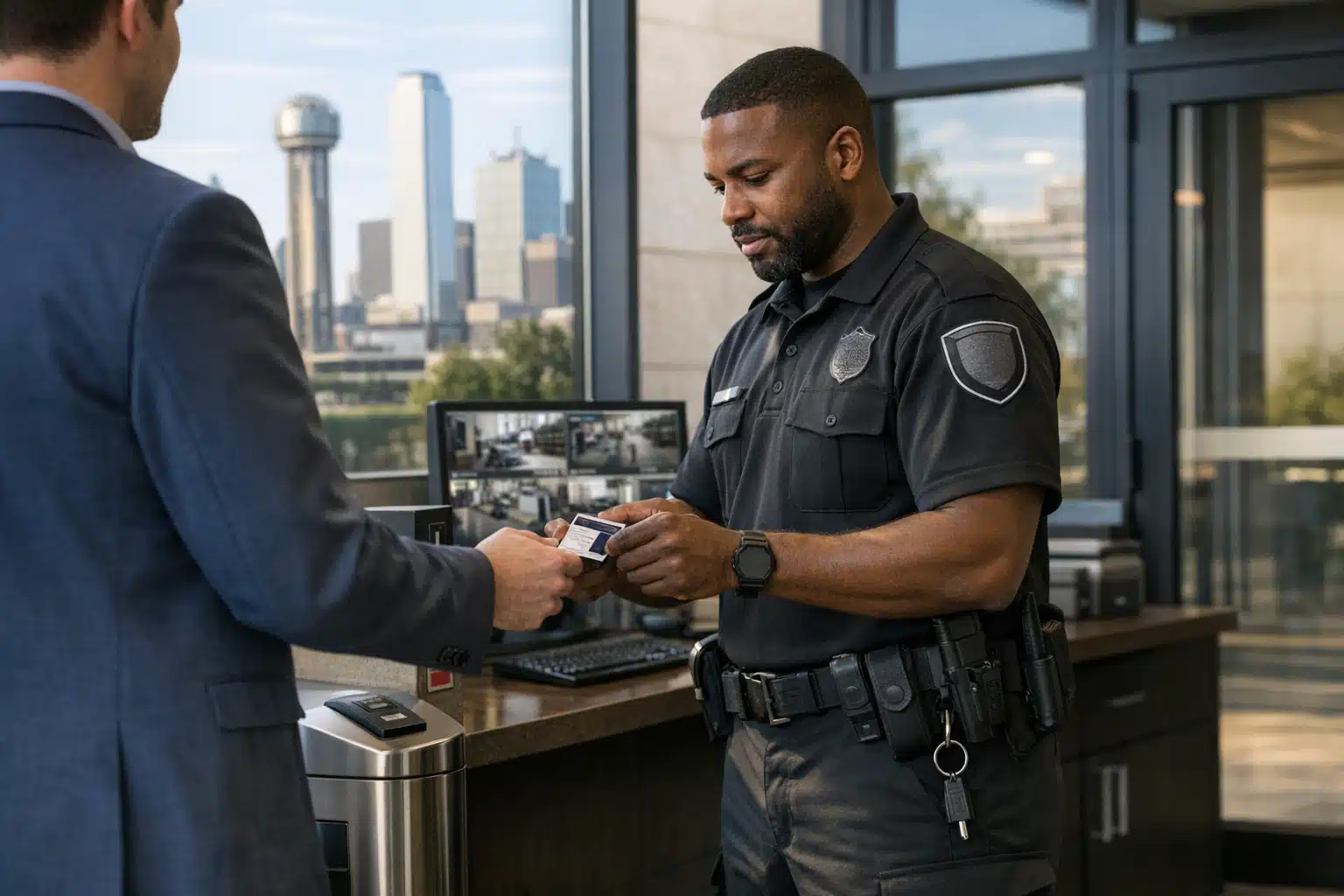
Dallas businesses lost millions to cyber-related crime last year, and many breaches started with a physical weakness. A propped-open server room door or an unattended workstation gives attackers a path that no firewall can close. Cybersecurity for Dallas companies now depends on guarding both digital systems and the physical spaces that house them.
This post shows how on-site guards and remote video surveillance reduce the physical risks behind digital breaches. It covers specific threats, step-by-step protections, and local response advantages.
Why Cybersecurity and Physical Security Overlap for Dallas Businesses
Many data breaches begin with physical access, not remote hacking. An intruder who reaches a server rack, network closet, or logged-in computer can bypass expensive software defenses in seconds.
The FBI reports that insider threats and physical device theft remain leading causes of business data loss. Stolen laptops, cloned access badges, and unsupervised contractors account for a large share of incidents.
Physical security and cybersecurity work as one system. Guarding the building that holds your data matters as much as guarding the data itself.
Common Physical Entry Points Behind Digital Breaches
- Unlocked server and network rooms where cables and hardware sit exposed
- Tailgating, when someone follows an employee through a secured door
- Unattended reception desks with open computers and visitor logs
- Loading docks and back entries used by delivery staff and contractors
- Discarded hard drives and paperwork left in unsecured dumpsters
How On-Site Guards Reduce Cybersecurity Risk in Dallas
On-site guards stop the physical access that leads to digital theft. A trained officer at the entrance verifies identity before anyone reaches sensitive hardware.
Twin City Security Dallas officers check credentials, log visitors, and watch for tailgating at Dallas office towers and data facilities. This human layer catches behavior that automated badge readers miss.
What a Guard Watches For
- Unbadged visitors moving toward restricted areas
- Contractors requesting access outside scheduled work windows
- Devices being removed from the building without authorization
- Propped doors near server rooms or IT closets
- After-hours activity that does not match the access schedule
A guard who questions an unfamiliar face can prevent a stolen laptop that holds customer records. That single intervention protects data no software could recover once gone.
How Remote Video Surveillance Protects Dallas Business Security
Remote video surveillance is live camera monitoring handled by trained operators at an off-site center. Cameras cover entrances, server rooms, and parking areas across your Dallas property.
Operators watch feeds in real time and respond to events as they happen. For business security, this means a break-in near your network room triggers an immediate call, not a next-day discovery.
Advantages of Remote Monitoring for Data Protection
- 24/7 coverage of IT closets and equipment rooms without staff on site
- Timestamped footage that supports breach investigations and audits
- Instant alerts when motion is detected in restricted zones after hours
- Lower cost than staffing multiple guards across a large Dallas campus
Dallas construction sites and tech offices use remote monitoring to watch areas guards cannot stand in constantly. Cameras document who enters a telecom room and when.
Steps to Protect Your Dallas Business from Cybersecurity Threats
To reduce physical risks behind digital breaches in Dallas, follow these steps:
- Lock and monitor server rooms. Treat network closets as high-value zones with camera coverage and access logs.
- Verify every visitor. Place a guard or check-in station at main entrances.
- Control after-hours access. Limit badge permissions and watch for off-schedule entries.
- Escort contractors. Keep third parties supervised near sensitive hardware.
- Secure device disposal. Shred drives and documents instead of discarding them whole.
- Record entry and exit. Use video to document who removes equipment.
Each step closes a gap that attackers use to reach your data. Combined with firewalls and strong passwords, physical controls form a complete defense.
A Local Example: Protecting a Dallas Office Server Room
A Dallas firm kept its servers in a closet near a shared hallway. The door locked, but delivery staff propped it open on busy mornings.
Adding a camera and a morning guard post closed the gap. Operators flagged the propped door within minutes, and the firm restricted hallway access. No breach occurred after the change.

 Posted on Google
Why Dallas Response Time Matters
Local monitoring shortens the gap between an alert and a response. A Dallas-based team knows area streets, business parks, and which precinct covers your address.
Faster verification means police dispatch reaches your property sooner. For a server room break-in, minutes decide whether data walks out the door.
Twin City Security Dallas operates locally, so alerts route to people who know the area, not a distant call center.
Combining Guards and Cameras for Full Coverage
On-site guards and remote cameras cover different weaknesses. Guards handle human judgment at entry points. Cameras watch spaces no one can occupy around the clock.
Together they protect the physical side of cybersecurity across your Dallas property. A guard stops tailgating at the lobby while cameras record the loading dock and IT room.
Choosing the Right Mix for Your Property
- Small offices may need one guard plus cameras on the server room
- Large campuses benefit from remote monitoring across many buildings
- Construction sites rely on cameras for equipment and telecom boxes
- Data-heavy firms combine guards, access logs, and live surveillance
Conclusion
Physical security closes the entry points that cause many Dallas data breaches, from unlocked server rooms to tailgating at the front door. On-site guards and remote video surveillance work together to protect both your building and your data.
Contact Twin City Security Dallas for a local security assessment or monitoring quote. Call or text 972‑385‑1144, email Dallas@twincitysecurity.com, or visit https://www.twincitysecuritydallas.com.
Sources