
How to Integrate AI with Existing Security Systems in Dallas Businesses
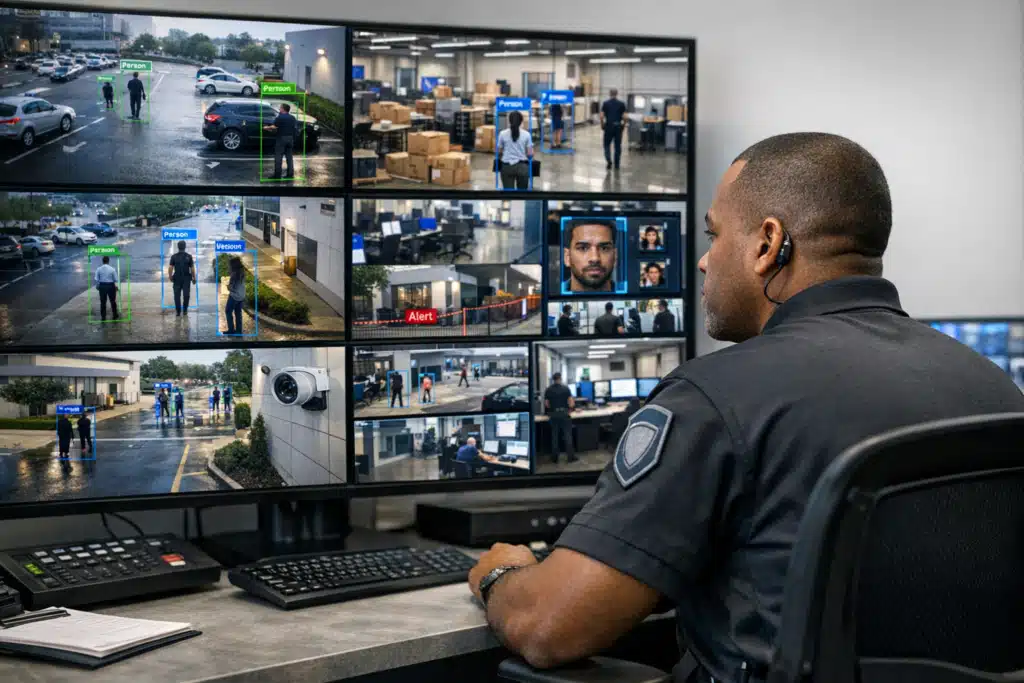
Integrating AI with existing security systems in Dallas businesses involves connecting AI-powered software to your current camera infrastructure. The AI analyzes live camera feeds in real time, detecting suspicious activity as it happens rather than after the fact. This allows business owners to receive instant alerts and respond to potential threats before break-ins or thefts occur, transforming passive surveillance into active protection.
Dallas police logged more than 90,000 property crimes across the city in a recent year, and business burglaries remain a steady share of that total. Many of those break-ins happen at sites that already had cameras installed. The footage existed, but no one watched it until the theft was over. AI security changes that timeline by analyzing camera feeds as events unfold, giving Dallas business owners a way to act before losses pile up.
This post walks you step by step through adding AI to the cameras and alarms you already own. No full rip-and-replace required.
What AI Security Actually Does for Dallas Businesses
AI security refers to software that reads video and sensor data to identify people, vehicles, and behaviors automatically. It flags what matters and ignores what does not.
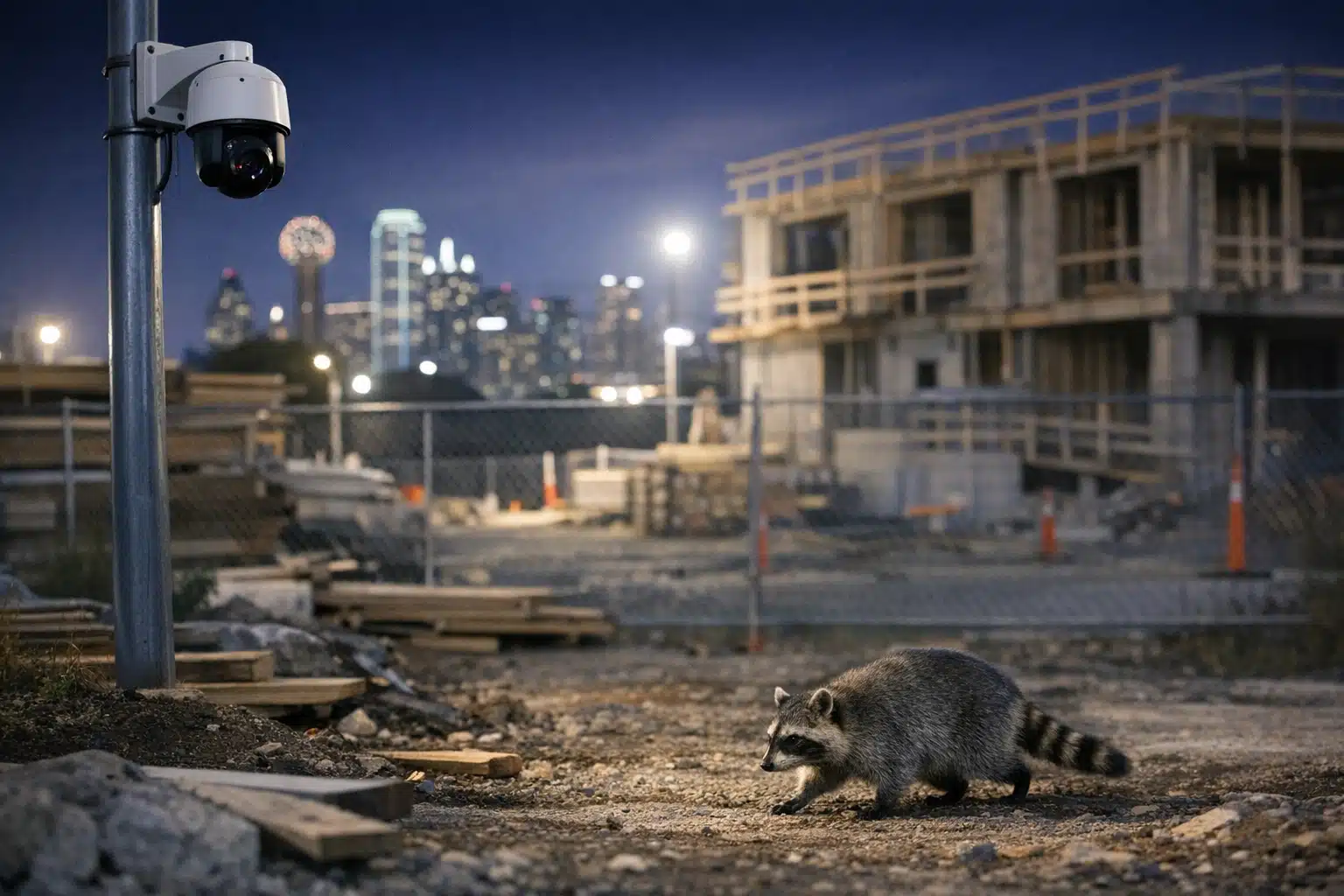
A raccoon crossing a construction yard at 2 a.m. will not trigger an alert. A person climbing a fence will.
Here is what that means in practice for a Dallas property:
- Fewer false alarms. Wind, headlights, and stray animals stop waking your team at night.
- Faster response. Real alerts reach a monitoring center or manager within seconds.
- Searchable footage. Find a red pickup truck across 12 hours of video in under a minute.
- Behavior detection. Loitering near a loading dock or entrances after hours gets flagged.
The goal is not to replace your guards or cameras. The goal is to make both sharper.
Why System Integration Matters Before You Buy Anything
System integration means connecting new AI tools to the equipment you already run. Skipping this step is the most common mistake Dallas businesses make.
Owners buy a flashy AI camera, then discover it will not talk to their existing recorder. Money wasted.
Before spending a dollar, answer three questions:
- What cameras do you own? Note the brand, model, and resolution. Anything under 1080p limits what AI can read accurately.
- How is footage stored? A network video recorder (NVR) or cloud platform matters. AI needs access to the feed.
- What is your internet upload speed? Cloud-based AI analysis needs stable upload bandwidth, which many older Dallas warehouses lack.
Once you know your starting point, integration becomes a planning task instead of a guessing game.
How to Add AI to Existing Cameras: A Step-by-Step Method
You do not need to scrap your current setup. Most Dallas properties can layer AI onto working cameras with the right approach.
Step 1: Audit Your Current Coverage
Walk your property and map every camera. Mark blind spots at entrances, docks, and parking areas.
A Deep Ellum retail client we assessed had six cameras but zero coverage on their rear alley, the exact spot where two break-ins occurred.
Step 2: Choose an AI Platform That Reads Your Feeds
Two paths exist for adding AI to older cameras:
- Server-based AI: A small on-site appliance pulls video from your NVR and analyzes it. Works with most existing cameras.
- Cloud AI: Your feeds stream to a remote platform for analysis. Requires strong upload speed but no new hardware.
For a Garland manufacturing site with weak internet, the server-based route kept analysis local and fast.
Step 3: Define the Rules That Matter to Your Site
AI works best when you tell it what to watch. Set detection zones and time windows.
- Flag any person in the yard between 7 p.m. and 6 a.m.
- Ignore the public sidewalk out front all day.
- Alert on vehicles that stop near the equipment shed for over 60 seconds.
These rules cut noise and keep alerts meaningful.
Step 4: Connect AI Alerts to a Human Response
An alert with no responder is just a notification. This is where remote monitoring closes the loop.
At Twin City Security Dallas, AI-flagged events route to a monitoring operator. That operator verifies the threat and can trigger a live voice-down speaker warning or dispatch police.
How AI Security Cuts Construction Theft Across Dallas
Construction sites lose copper, tools, and heavy equipment at high rates during Dallas building booms. Theft spikes on weekends when sites sit empty.
AI-paired video catches the pattern that guards on foot cannot cover alone.
A typical setup on a North Dallas jobsite works like this:
- Solar-powered cameras cover the perimeter and material staging areas.
- AI detects human movement after hours and ignores wildlife.
- A monitoring operator reviews the clip in real time.
- A speaker announces the intruder is being watched and recorded.
- Most trespassers leave within seconds of the voice warning.
This chain stops theft during the act, not after the equipment is gone.
Common Integration Mistakes Dallas Owners Should Avoid
Experience shows the same errors repeat across properties. Sidestep them and your rollout goes smoother.
- Ignoring camera placement. AI cannot read a face from a camera aimed at a rooftop.
- Overloading alert settings. Too many triggers train your team to ignore notifications.
- Forgetting nighttime performance. Test detection in the dark, when most Dallas break-ins happen.
- Skipping data privacy rules. Texas law governs how you record and store footage. Post visible notice signage.
A short planning phase prevents months of frustration.

 Posted on Google
On-Site Guards Plus AI: Why Dallas Sites Use Both
AI spots events. People make judgment calls. The strongest security pairs the two.
A guard at an apartment community gate handles resident questions, escorts, and visible deterrence. AI cameras watch the parking structure and back fence at the same time.
When AI flags a car circling the lot three times, the guard gets a heads-up and investigates. One person now covers ground that once needed three.
This pairing lowers cost per covered acre while raising response speed.
What Integration Costs a Dallas Business
Costs vary by site size and existing equipment. Here is a rough framework.
- Software layer only: Lowest cost if your cameras and recorder already meet specs.
- Added hardware: Server appliances or camera upgrades raise the upfront figure.
- Monitoring service: Recurring monthly cost for operators who verify alerts.
Compare this against loss numbers. A single stolen skid steer can top $40,000. A season of copper theft can dwarf a year of monitoring fees.
Getting Started With Your Dallas Security Assessment
AI security gives Dallas businesses real-time eyes on cameras that once recorded losses silently. The path forward starts with a clear audit, smart system integration, and a human response behind every alert.
Twin City Security Dallas can assess your current setup and show you where AI adds the most value. Call or text 972‑385‑1144, email Dallas@twincitysecurity.com, or visit https://www.twincitysecuritydallas.com for a Dallas monitoring quote.
Sources
- Dallas Police Department – Crime Statistics
- FBI – Crime in the United States (UCR Program)
- National Institute of Standards and Technology – Artificial Intelligence
- Texas Statutes – Occupations Code Chapter 1702 (Private Security)
Dallas businesses can add AI to existing security cameras without replacing their current systems. AI analyzes video feeds in real time to detect threats and reduce false alarms, helping owners act before losses occur.
- AI security software reads video and sensor data to identify people, vehicles, and behaviors automatically while ignoring irrelevant motion like wildlife or headlights. This results in fewer false alarms and faster response times.
- Before buying AI tools, businesses should audit their current cameras, storage systems, and internet speeds. Integration options include server-based appliances for sites with weak internet or cloud platforms for those with strong upload bandwidth.
- Pairing AI with on-site guards or remote monitoring creates a complete response chain. When AI flags an event, operators can verify the threat and trigger voice warnings or dispatch police within seconds.